Flock to Fedora 2025: Day 4
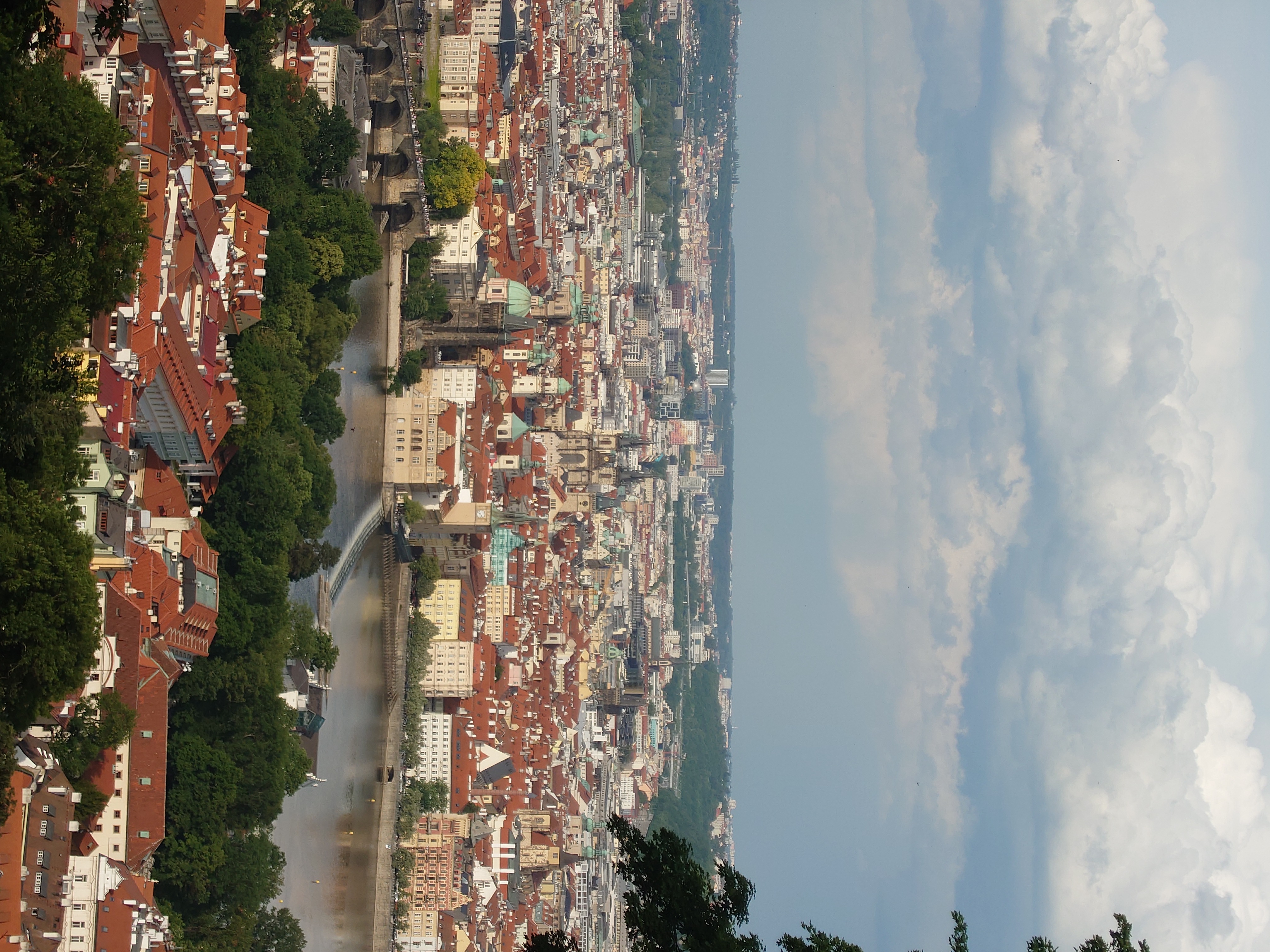
Exploring the city of Prague, going to museums, having dinner with Fedora folks and more. This is the day before the last day in Prague, and it was certainly great day.

Exploring the city of Prague, going to museums, having dinner with Fedora folks and more. This is the day before the last day in Prague, and it was certainly great day.

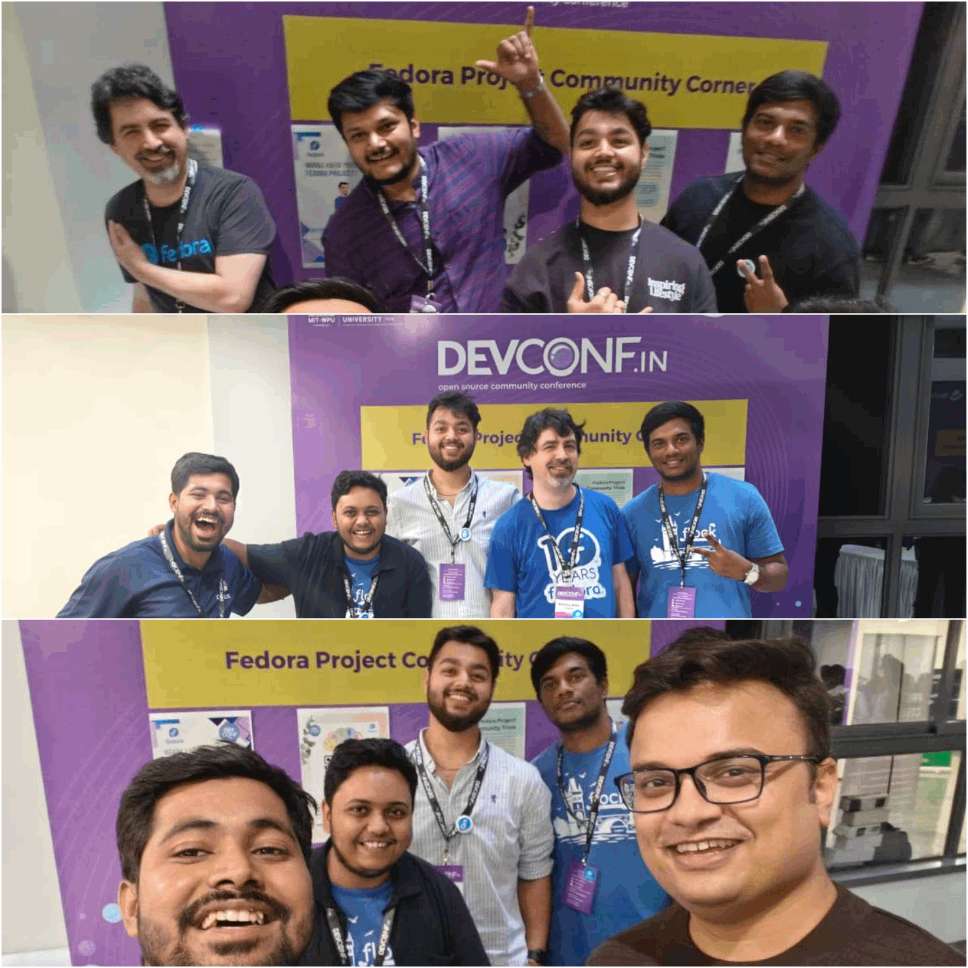
The last felt day of Flock went fast for me and it was kind of sad to reach the end of conference so soon. I have enjoyed my time there, and it was trully a new experience for me and I’m thankful for Fedora Project!

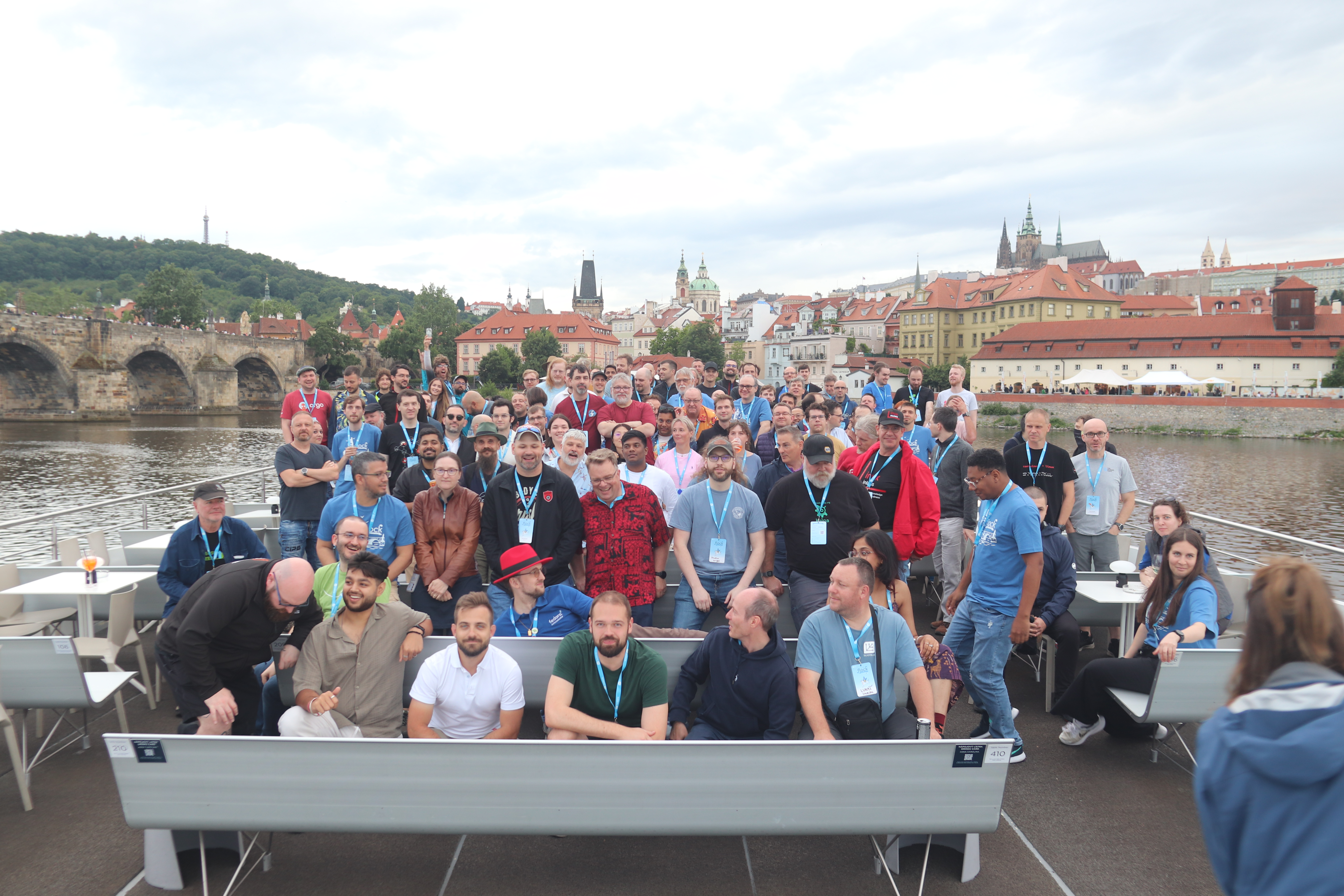
The day started late for me and ended with a boat ride. I experienced so many ‘first-time’ moments, and it became one of the most memorable parts of my life.

A great start with announcement of new FPL, Mentor-Mentee Lunch Matching, Forgejo Discussions and more.

A post about my experience of travelling internationally and attending my first Flock conference in Prague, Czech Republic.
I’ll walk through the frontend contributions I made to the Forgejo UI as part of the Fedora Project.

Providing an overview of how the commit table UI overhaul was made (early design stage)
Summary of how to setup an interactive Forgejo testing environment to see if your changes work!

A new Fedora theme for the Forgejo deployment in Fedora Project
Customizing the Logo The process of customizing the logo is pretty much simple and straightforward. The logos are stored inside assets/ directory. In order to change the logo, Replace the logo.svg with the custom logo (do the same for changing the favicon.svg as well). Run the command in root directory of forgejo/*: make generate-images This process will generate the assets for logo inside the assets/* directory. Keep in mind that changing the logo just by renaming it won’t work! ...